
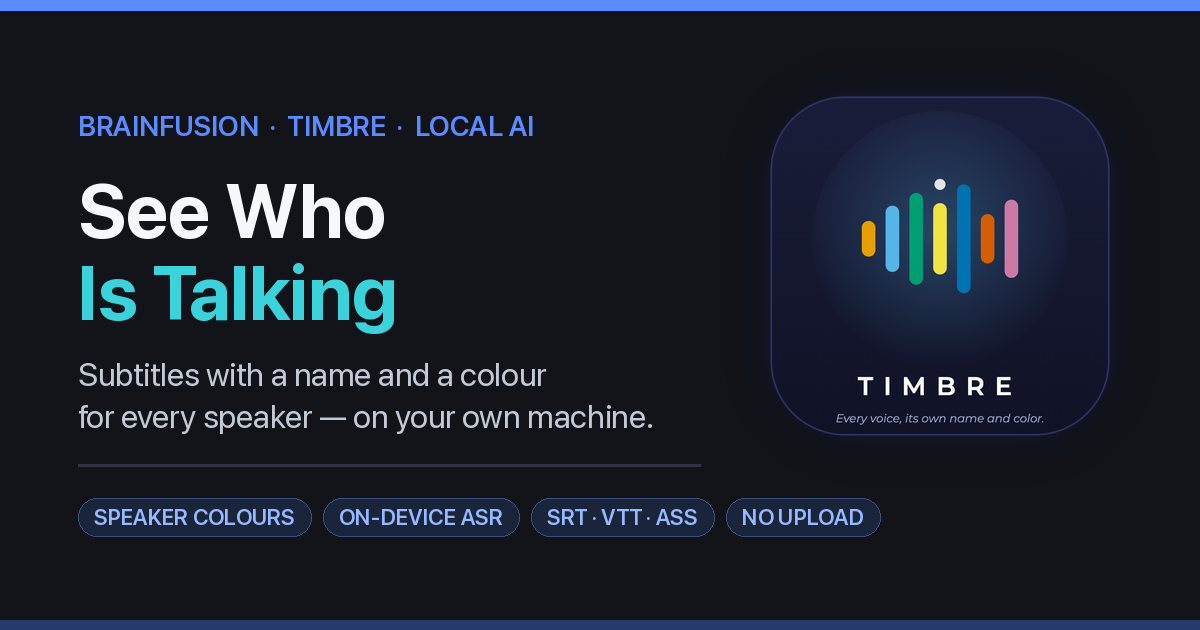
Timbre is out of beta and in daily use: a video player that creates subtitles in which you can see who is talking — each speaker with their own name and their own color. The special thing is not in what it does, but in where it does it: on your own computer. Your video will not be uploaded, analyzed on a server, or stored by anyone else. Only because of you.
What Timbre does — in plain language
You open a film, an interview, a lecture or a meeting. One click and the subtitles are there. Not as one gray knit, but with the name of the speaker and a different color per person. So you immediately see who is speaking, without rewinding or guessing.
- Work with what you have — mp4, mov, mkv, webm, avi, or just the audio (mp3, wav, m4a).
- Recognizes the words and the voices — two or three people talk at the same time, then Timbre separates them.
- You decide the names and colors — and if two speakers turn out to be the same person, you can merge them with one click.
- You can always adjust text — click on a line to correct a typo; the timing remains correct.
- Export what you are used to — SRT, VTT or ASS, ready for your player, YouTube or your editing software.
Think of the film of a family party, an interview that you recorded yourself, a guest lecture that you want to watch, a podcast episode, or your own vlogs. Exactly the kind of material that you never actually start, because subtitling is too much work – and you don’t want it to end up on a server somewhere.
The “free” translation app
Translation seems free. You already have the app on your phone anyway, or you can download it from your manufacturer’s store in two taps. Handy, and it really works.
Imagine: you are abroad with an estate agent, you are negotiating the price of a house, and that app neatly translates everything back and forth. The broker mentions an amount. You nod, thank you, and walk outside. The conversation is still in your app — as text, as audio, with the price in it.
And then this happens: you later ask a chatbot from the same platform what the house prices are in that neighborhood. And the amount you just discussed with the broker comes up. Not because someone follows you on purpose, but because your conversation is there — and because the platform is allowed to use it. (EULA)
That’s the math behind “free”. Your data is the product. A conversation in which someone asks a question and someone else mentions a price is exactly the kind of text that a language model can use: internally, to improve the model, or as a dataset for sale. With these types of services, the conditions almost always state that what you enter may be used to improve the service. Nobody does anything secretly. It’s just there.
Same pattern with subtitles
Nowadays, creating subtitles is done in exactly the same way. You drag a video to an online tool, or you let a platform automatically subtitle it. It’s fast, and it’s accurate — there’s no arguing about that. The price is just that your audio goes out the door. That may not be a disaster in a lecture. This is the case with a client interview, a job application, a therapy session recording or a family story. And it stays there: it doesn’t go away because the video is old.
Our Vision: Pentecost and Timbre
That’s why Brainfusion builds these kinds of things themselves, and locally.
- Pentecost is our chat with live translation: you type in your language, the other reads it in his. The translation runs on our own machines — no Google Translate, no text going to a platform. That’s exactly what Pentecost was built for.
- Timbre does the same for subtitles: the recognition, separation of voices and coloring are done on your computer. What you record remains yours.
And no, that’s not a slower crafting version. The commercial services are fast and accurate, but local solutions are now fast enough for normal use — sometimes matching the commercial version. At Pentecost, users notice this every day. Faster is not the same as better, and it is certainly not the same as safer.
The technical side, in short
- Speech recognition runs locally — the language engine enters the installation once, after which Timbre works without internet.
- Speaker recognition (diarization) is built-in — Timbre determines not only what is said, but also who says it, and colors this per speaker.
- Everything is customizable — merge names, colors, speakers, fix loose lines of text, and the timing is still correct afterwards.
- Standard export formats — SRT, VTT and ASS, so you don’t have to change your workflow.
- macOS and Linux — same code, same behavior. On a Mac with Apple Silicon, a long recording takes a few minutes to fifteen minutes, depending on the model.
- No account, no subscription, no upload — and therefore no counter that runs per minute.
Let’s be honest: Timbre isn’t finished everywhere yet. The macOS version is out of beta and in daily use with real recordings, the Linux version is built from the same code and public testing is planned next, and the rough edges (very long recordings need patience on a lighter machine) are still being polished. There is no public download with installer yet.
And then: a finished video
- Make a video from audio — combine any audio file with a background picture and your subtitles into a ready-to-publish mp4. You choose how the text is presented: on an opaque black plate behind every line, on a translucent banner across the bottom, or plain with a thin outline. 720p or 1080p, with trimming.
- Burn the subtitles into your own footage — with one click Timbre bakes the colored, speaker-labeled subtitles straight into your original video: every speaker in their own color, on the real images. The sound is copied untouched, the resolution stays exactly as it is, and your source file is never modified — a new mp4 appears next to it. You approve the subtitles first, in the editor; what you see there is exactly what gets burned in.
What it brings you
Personal: you can finally subtitle that family archive, that lecture or that interview without giving your file to a stranger. It also works without internet — on the train, at a location, on the plane.
Business: you do not need a processor agreement with a supplier in another country, because there is no supplier who sees your material. Nothing goes outside the EU, because nothing goes outside your own computer. And there’s no one who can refuse, delete, or return your file for a fee — that’s not theoretical: in one of our own book projects, a platform politely declined to include a particular reference. A file that belongs to a platform is a file that the platform can reject.
About the names, so you don’t search
The app is called Timbre. The page where you can read more about it is on this site under the name MyVideo — we use that name in the menu. In this article I keep talking about Timbre, because that is the brand name of the app. Same thing, two names. Sorry for the confusion; that is the result of a product name that lasts longer than the brand name underneath it.
Status
The macOS (Apple Silicon) edition is out of beta and in daily use with real recordings. The Linux edition is built from the same code and public Linux testing is planned next — and when everything is green, the source code goes public on GitHub. There is no public download at this time. Anyone who would like to watch now or have a specific type of recording (or language) included can register via the contact form. More about the app can be found on the MyVideo page.
Previous posts in this series: Just throw it in ChatGPT · How can you use AI? · Suppose you run your own AI coder locally
Keep the conversation going
Also on Telegram
New posts, short notes and what’s going on — in the Brainfusionchannel on Telegram. Follow @Brainfusion →